Written by Joey Augustin on February 23, 2026
Newsletters (and building an email list in general), can be the single greatest investment you make as a solopreneur.
This guide will outline the simple tech setup you need to get started building your email list.
If I was starting from scratch today, this is the minimum viable setup I would use to start building a list. (Even without a website)
How To Start A Your Newsletter (The Tech Setup)
1. Register your Domain Name & Custom Email Address
If you don’t already have a domain name for your personal brand, you can easily purchase one from a domain registrar like Namecheap.
Having a domain will allow you to also create a branded email address as well.
This custom email address along with your domain name will help with trust and deliverability for your newsletter.
A domain name will only cost around $10-15/year, and you can often find discounts for your first year.

The custom email address will only cost around $15/year and is often free for the first year.
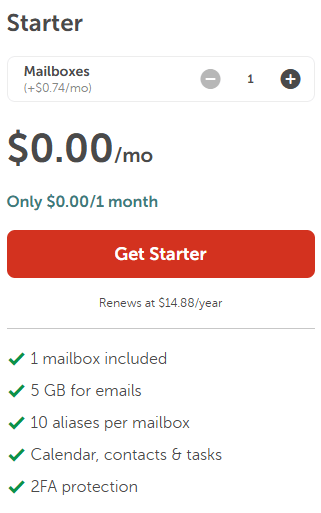
All you will need is the most basic email setup (“Starter” on Namecheap), so you can have a personalized, branded email address.
If you just use a free email address (like Gmail), along with the free subdomain provided by your newsletter platform, you can run into deliverability issues.
This step is very cheap and easy to do, so I highly recommend it.
2. Sign up for Kit
Kit has a number of different features that make it ideal for solopreneurs and creators.
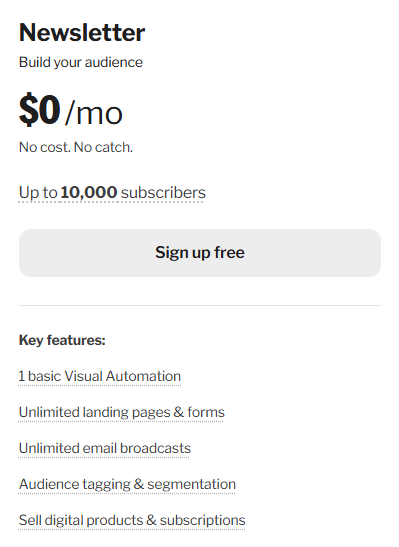
- It’s free to start (up to 10,000 subscribers with basic features)
- You can use your own custom domain and email address
- You can easily create a landing page for your newsletter (even without a website)
- You can easily create and customize your email forms to embed on your website and share on social media
3. Connect and verify your domain and email
After you have signed up for kit and filled in some basic settings, you will want to verify your domain.
Kit will give you a number of CNAME and TXT records to add to the DNS of your domain registrar.
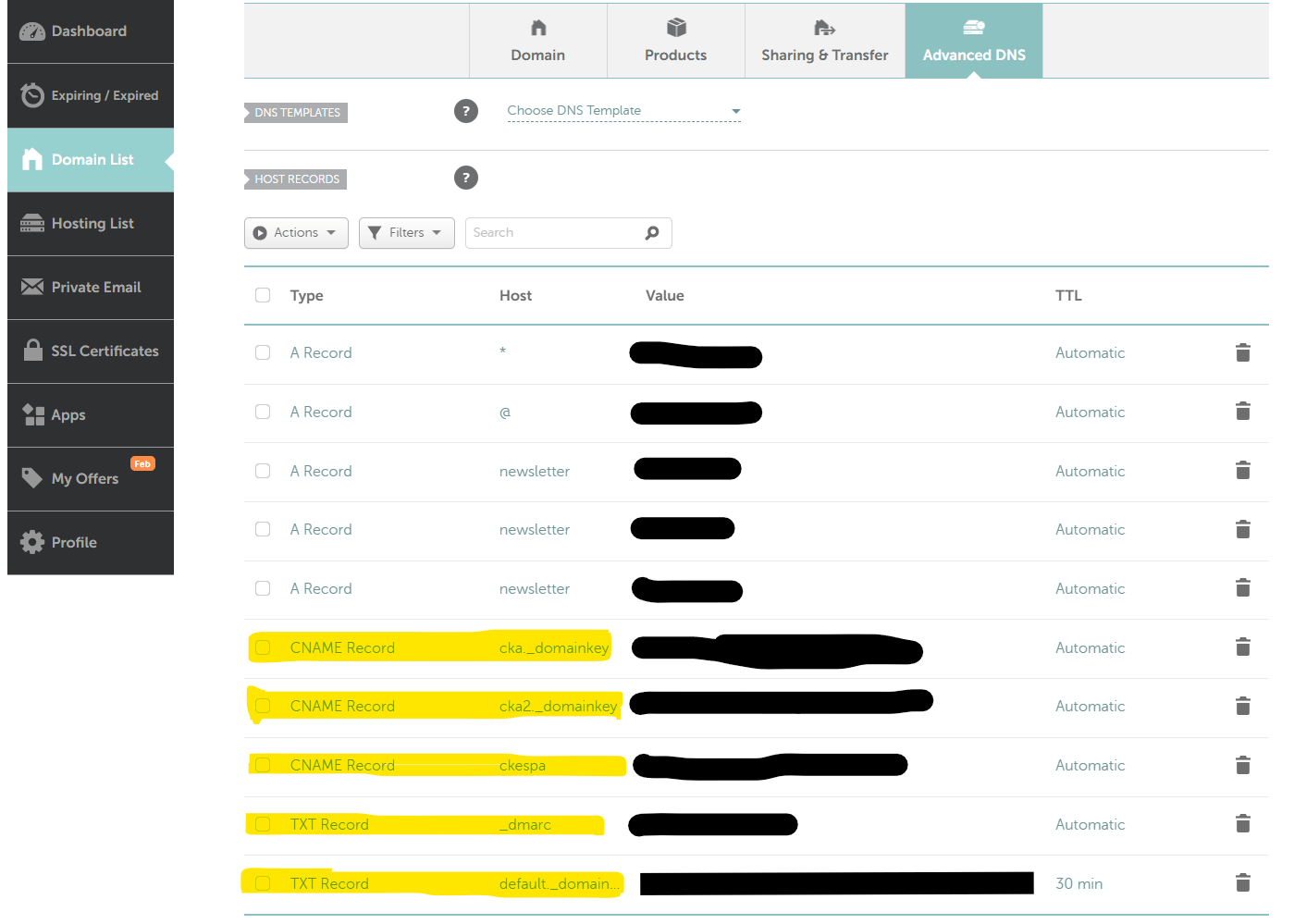
Once you have the records installed, you will confirm you added the records in Kit.
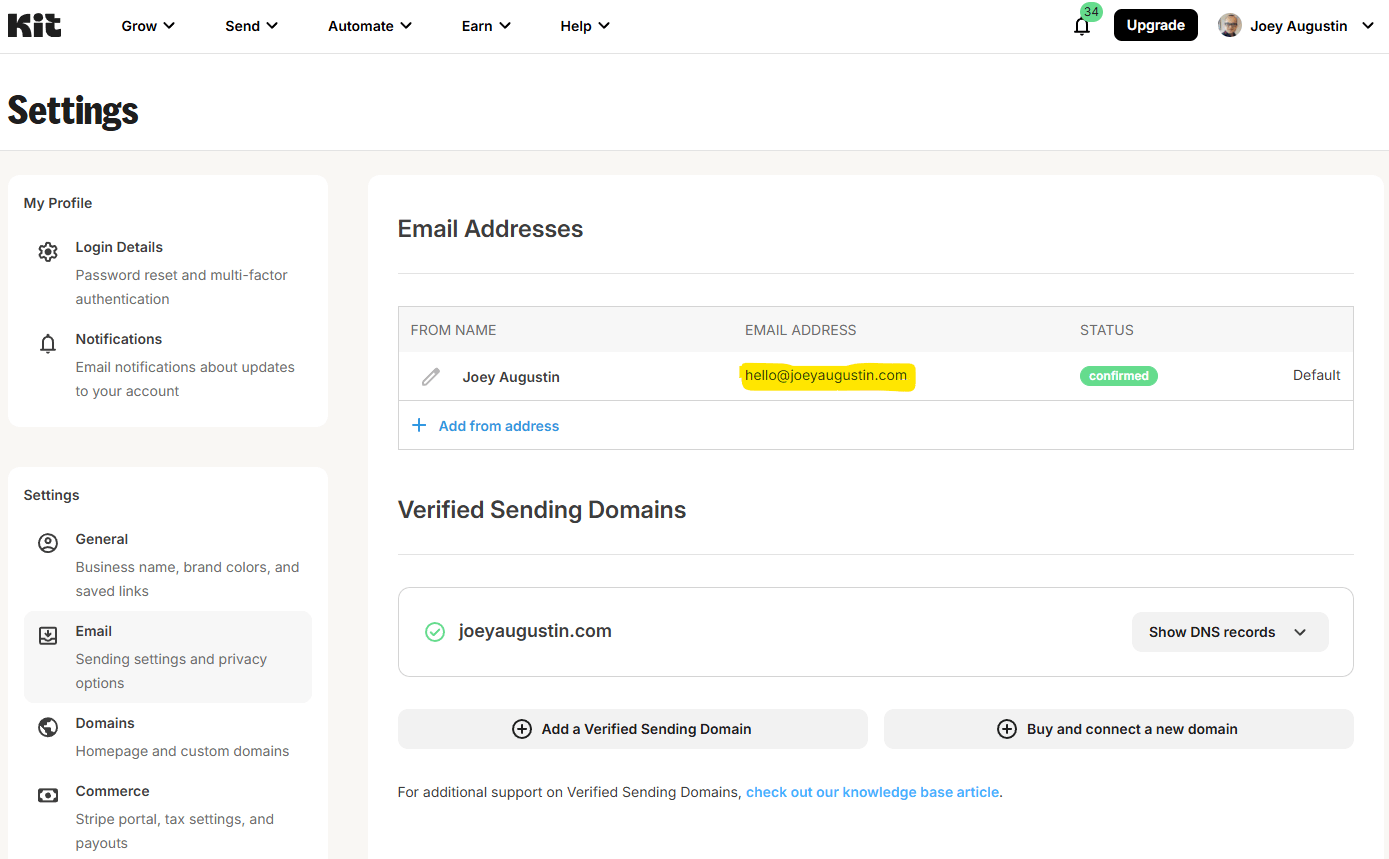
Once that is completed, you can also add your custom domain as the “sent from” email that your subscribers will see in their inbox.
4. Customize and embed your email forms
Kit has a walkthrough guide for setting up a landing page along with other tasks, but you can just go straight to the “Landing Pages & Forms” area to get started, depending on whether you have a website or not.
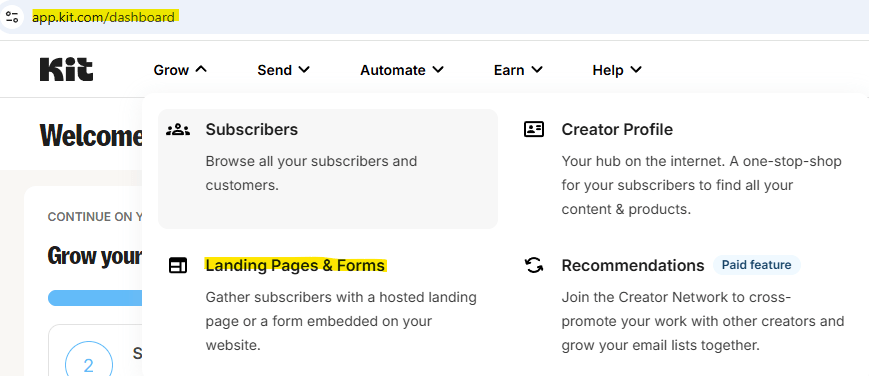
From here, Kit will walk you through setting up your form, which when completed, will have a number of different embed options.
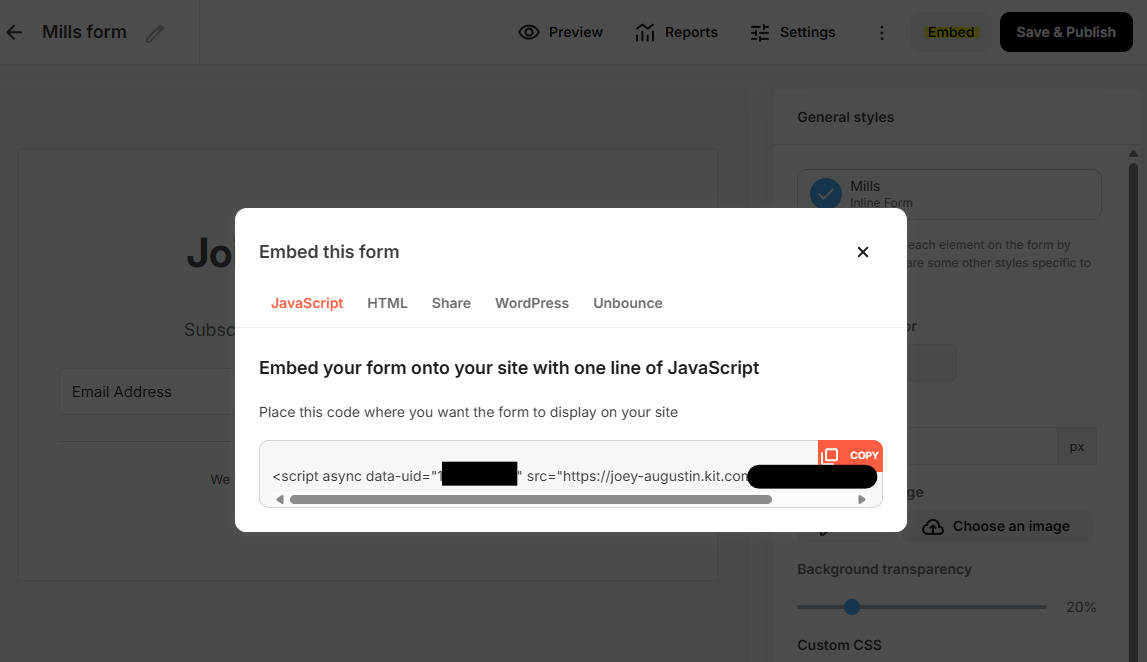
The simplest way to embed across a variety of platforms will be the JavaScript embed code.
However, if you want to have more control over the CSS styling of your form, you can use the HTML embed code instead.
The landing page option also allows for tools to custom the design along with custom CSS options, so you can match you personal brand colors easily.
5. Set up a Thank You Page (optional)
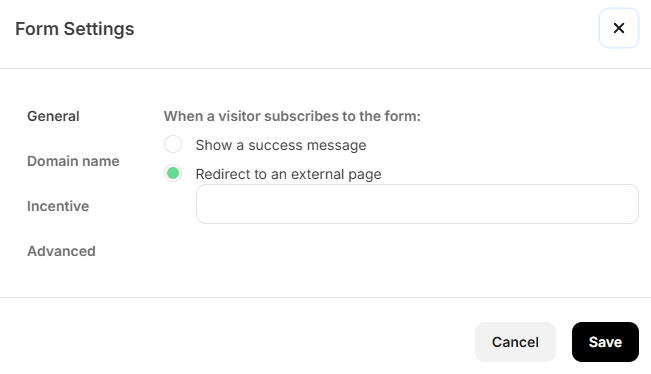
After someone signs up for your newsletter, you can redirect them to a custom “Thank You” page.
This is a great opportunity to share more about yourself, your newsletter, and other content you have created.
By default, most Kit forms will just show a simple “Thank You” message, but all you would need to do is create a new page on your website and link to it post-signup.
How To Build Your Newsletter Audience
For starters, just adding links to your social media bios and sharing it on those channels is a great start.
I personally think YouTube is an amazing channel for building an email list, because of the long-form nature of the content and the ability to link in the description.
While you can build through organic traffic, this is often way too slow and SEO is volitile, so I would also recommend avoiding it as a primary strategy.
Once you have a larger body of work built up and traffic increases, you can start to look at organic opportunities.
Also, be sure to have CTAs across your website in general. The more content people consume while seeing the CTA for the newsletter, the more likely they are to sign up. That’s why you should also give them every opportunity to jump through different pieces of content by linking articles together. Make that part of your posting process.
Writing Your Newsletter Content Consistently
Now actually writing the newsletter… that’s the hardest part.
The best way to build the habit of writing consistently is to just start writing and sending, even if it’s not perfect.
The more you write, the easier it will become, and the more your audience will engage with your content.
Its best to just make a habit of jotting down your thoughts in general, even if you don’t have a specific topic in mind.
Of course, since I am a classic overthinker, I came up with a 3-step cue system for writing consistency.
Regardless of how you approach it, you have to create a habit of writing and a body of work.
FAQ
Why Start With An Email Newsletter?
Simply put, a weekly newsletter is the highest value, lowest-friction creative habit you can build. Period.
You are simultaneously creating a value asset (your email list), while also building the core fundamental habit of writing.
I’ve heard from many creators who wish they would have started building an email list sooner because of how valuable it is to have a direct line of communication with their audience.
Through it, you will create a flywheel of topics you can write about and serve your audience with.